Sticker Editor — Create Your Own Stickers
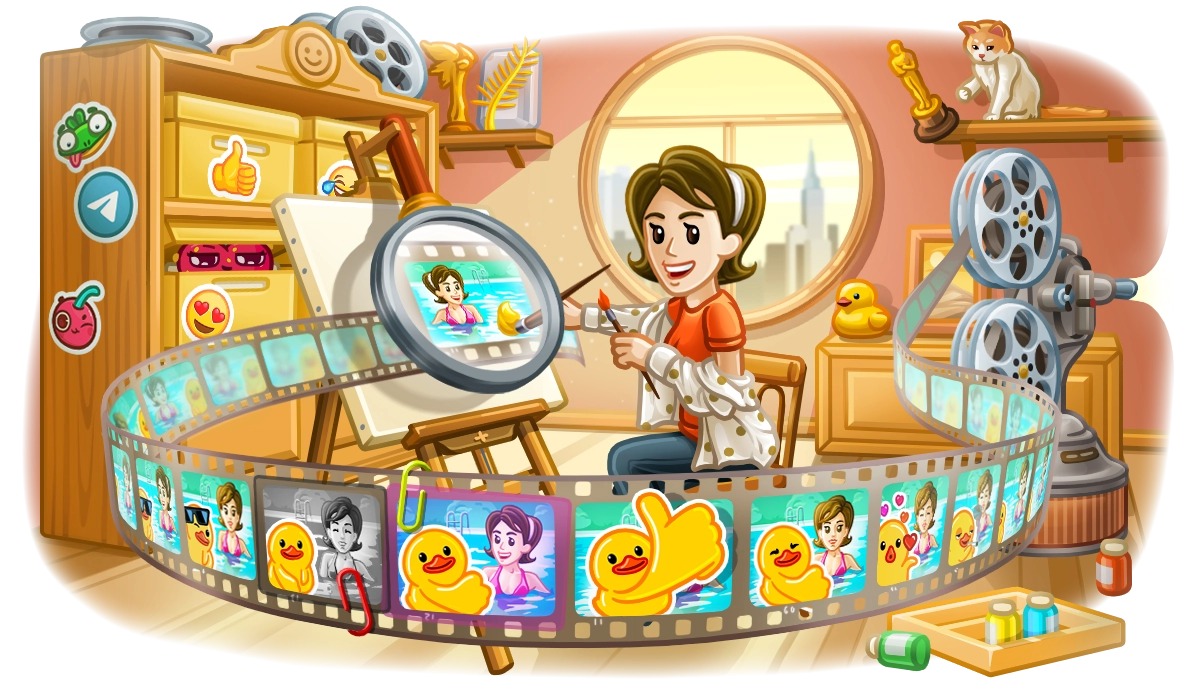
Starting today, anyone can quickly create stickers and entire sticker sets using a new powerful editor — without leaving Telegram.
Make a Sticker
Just take any photo and add text, drawings — or countless animated stickers, emojis and GIFs that exist on the platform. Turning cats into visual art has never been easier in the history of humankind (and catkind).
It takes just one tap to cut out objects and remove the background. You can manually erase and restore parts of your photo – or add an outline for that classic sticker look.
To start making stickers, open the sticker panel from your input field in any chat, then tap the inviting (+) button.
Add It to a Set
When you're done, simply send the sticker – or create a sticker set so that friends can reuse your cut-out cats in their chats.
To add a sticker to a set, choose the emojis that describe its emotion. Telegram will also use AI to suggest you emoji based on your image — like a cat, dog, or car.
On Telegram, emojis act as shortcuts for stickers. When you type an emoji in a chat, Telegram automatically offers matching stickers you can send.
Expand your Set
Since 2015, millions of artists and meme-makers have been using Telegram's open platform to share their creations.
You can add any existing stickers to your custom sets. For example, to bring all your favorites together in one pack — or to create themed collections.
Share your Sets
To share your sticker sets, just send someone one of the stickers. They can tap it to add the whole set. Each set also has its unique t.me link.
With this update, we've added neat link previews for all sticker and emoji sets.
We'll also announce 16 more new features this month, but first — don't you have some stickers to make?
April 14, 2024,
The Telegram Team
Other News

환영 메시지, 메시지 내 버튼 및 서명된 선물

리치 텍스트 에디터, 커뮤니티, 그룹 내 휘발성 메시지, 3억 5천만 개의 GIF

스마트워치 앱, 봇을 위한 리치 텍스트, 그룹을 위한 AI 가디언, 그리고 그 외에도 다양한 기능
