Direct Messages for Channels, Voice Trimming, Topic Tabs and HD Photos


In today's update, we add new ways for users to start conversations with their favorite channels, navigate topics more efficiently, trim voice messages before sending, send photos in higher quality — and more.
Send Direct Messages to Channels
You can now send direct messages to channels and have private chats with owners and admins. Content creators can enable this mode to talk with subscribers without sharing personal info.
Messages from subscribers appear in a new streamlined interface, separate from the owner's personal chats.
To send a direct message to a channel, tap the message bubble in the bottom bar of the channel. To turn on direct messages for your channel, go to Channel Settings > Direct Messages.
Content creators can also set a fee per each direct message to keep conversations manageable and meaningful.
Topic Tabs
Topics in groups have a new tab layout that allows faster access from the chat list and lets you jump between conversations in one tap.
You can switch between a larger bar on the side or minimalist bar at the top of the chat.
Topics can be enabled in any group via Group Settings > Topics.
Trim Voice Messages
After recording a voice message, you can now move the start and end points to cut out the exact fragment you wanted. No need to start over for the perfect take — you can just keep going and choose the section you want to send.
This option appears when you swipe up to lock recording during the voice message. After recording and trimming the message, you can record additional sections by tapping again on the microphone icon.
You can also pause and resume recording for voice and video messages.
Send Photos in Higher Quality
Since 2014, Telegram users could send full resolution photos in the original file size. For regular photos, Telegram optimizes images so that they are instantly delivered and use 90% less mobile data.
Today's update adds a new quality option, 'High Definition' — to give your selfies and travel photos even more detail. HD images have 4 times the pixels, while using less than 0.5 MB of data.
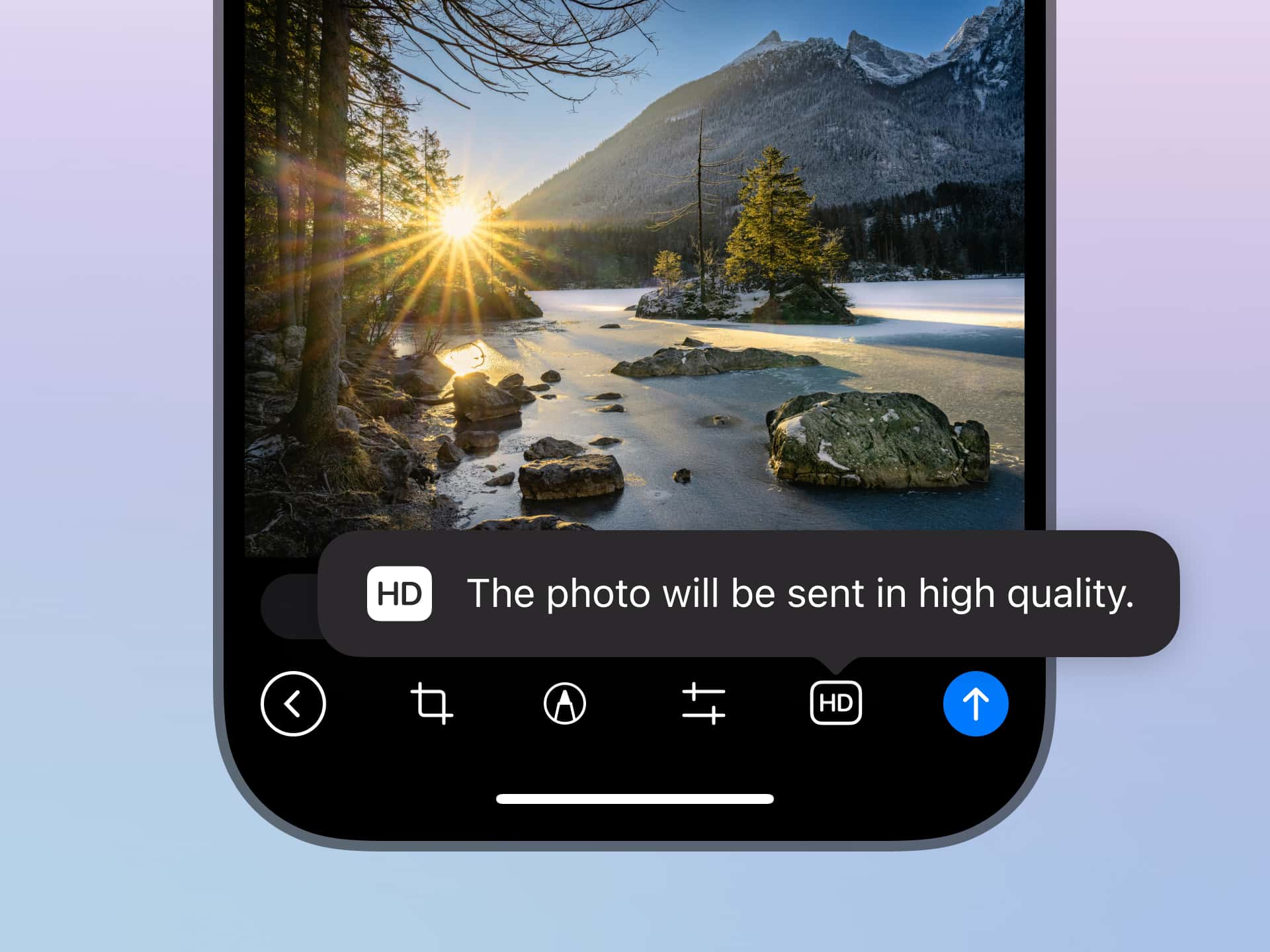
To send an image in HD, tap the SD button in the photo editor or select 'Send In High Quality' via the attachment menu.
Share Media to Stories on iOS
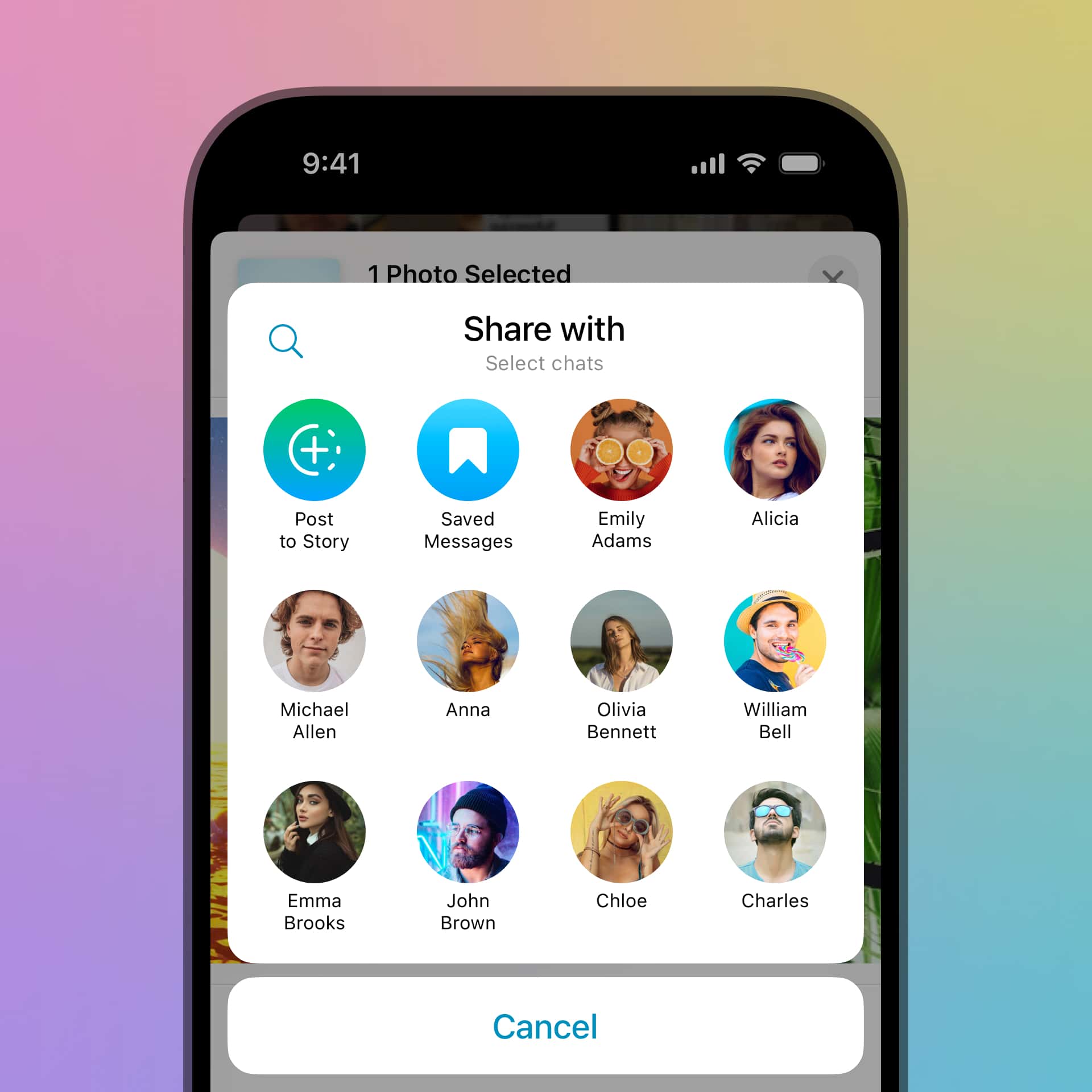
You can now share media directly to your Telegram story from other apps using the default 'Share' button on iOS.
For example, if you found a long-lost picture from 2015 in the Photos app, you can tap 'Share' to instantly open it in the story editor — without switching apps or scrolling.
More Poll Options
Since 2018 communities of every size have used polls to make decisions and schedule events.
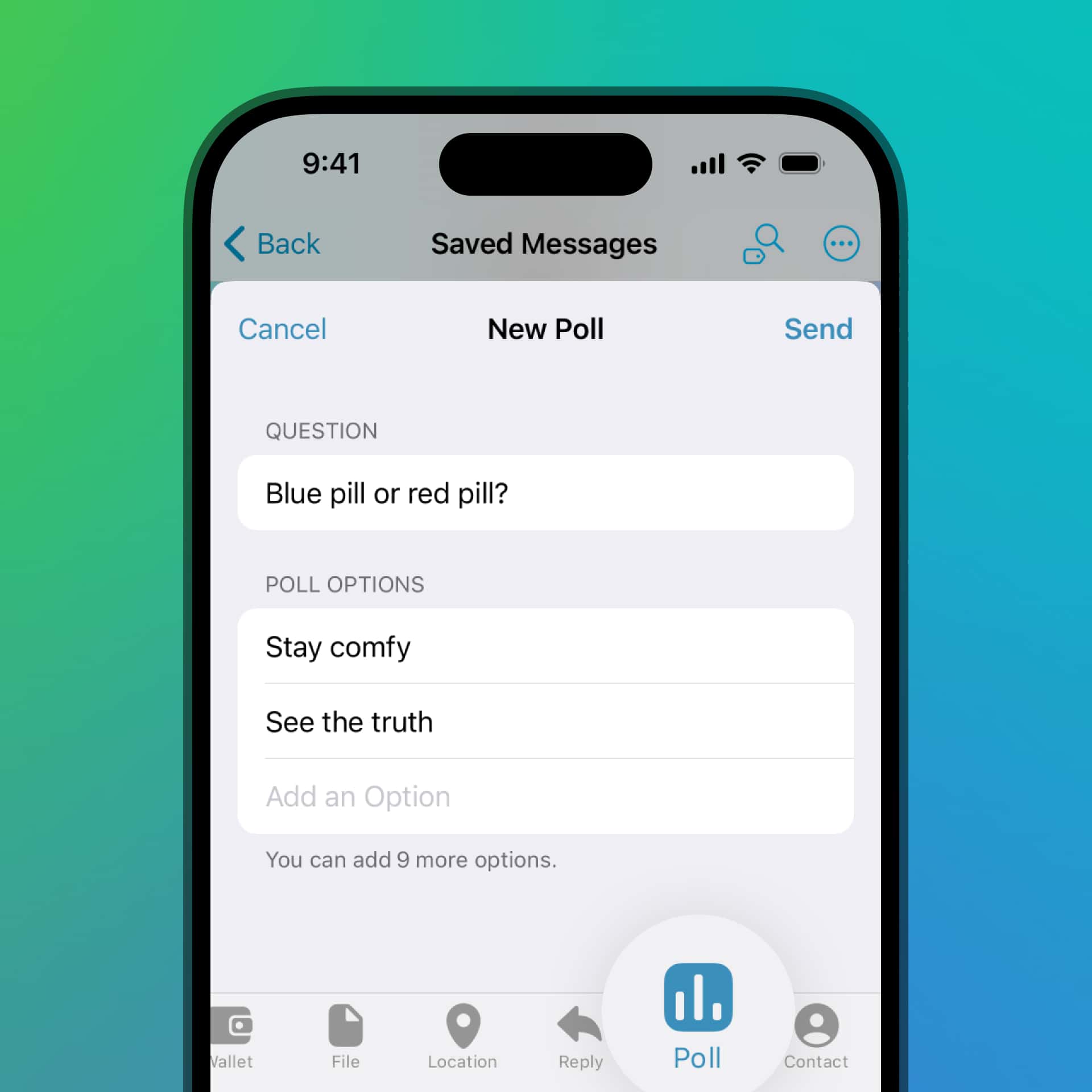
This update makes polls even more flexible with support for up to 12 options. Polls can also now be sent to your Saved Messages — to bookmark the results for future reference or share the poll with other chats later.
That's all for today — we'll be back after we build even more innovative features.
June 3, 2025
The Telegram Team
Other News

환영 메시지, 메시지 내 버튼 및 서명된 선물

리치 텍스트 에디터, 커뮤니티, 그룹 내 휘발성 메시지, 3억 5천만 개의 GIF

스마트워치 앱, 봇을 위한 리치 텍스트, 그룹을 위한 AI 가디언, 그리고 그 외에도 다양한 기능
